Six weeks after we shipped the program generator, Mint Condition Fitness founder Colin Triplett shared a surprising problem: his coaches were not using the AI-generated plans.
The exercises were sound, but the language was wrong. The AI wrote "Romanian Deadlift" while the coaching team wrote "SB RDL @2011 x8." Their shorthand captured 15 years of equipment codes, tempo notation, and programming conventions.
That feedback changed the project. Generic fitness knowledge was not enough. The platform had to understand how this coaching team actually worked.
Who Mint Condition Fitness Are
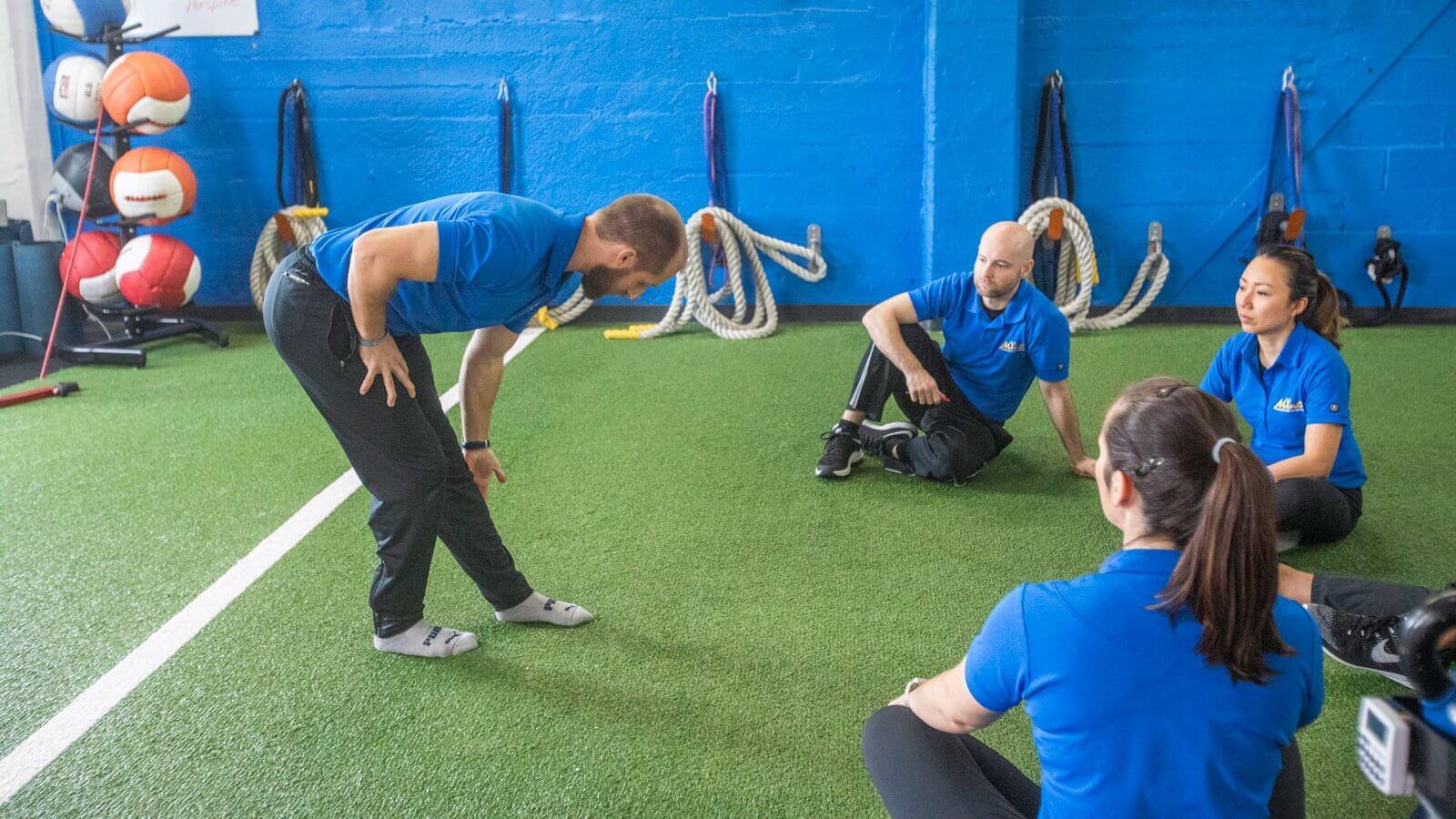
Mint Condition Fitness is a strength and longevity studio in Los Gatos, California. It focuses on adults aged 50 and above through personal training, fitness testing, nutrition coaching, and recovery services.
Its Thrive50+ Method uses detailed assessments, injury history, movement quality, and long-term progress to guide each client. That depth is valuable, but it also makes the workflow difficult to fit into generic gym software.
The Problem
As the studio grew, important client information became spread across assessment records, coaching notes, previous programs, and health histories. A coach often had to rebuild the client's story before planning the next session.
Creating a program for someone with a complex history could take 30 to 60 minutes. The work required more than choosing exercises. Coaches had to connect current assessments with past performance, movement restrictions, and the studio's programming rules.
New coaches also had to learn a large set of conventions that lived in documents and in senior coaches' heads.
The brief was to bring those workflows into one place and add AI that understood both the client and the Thrive50+ Method.
What We Built
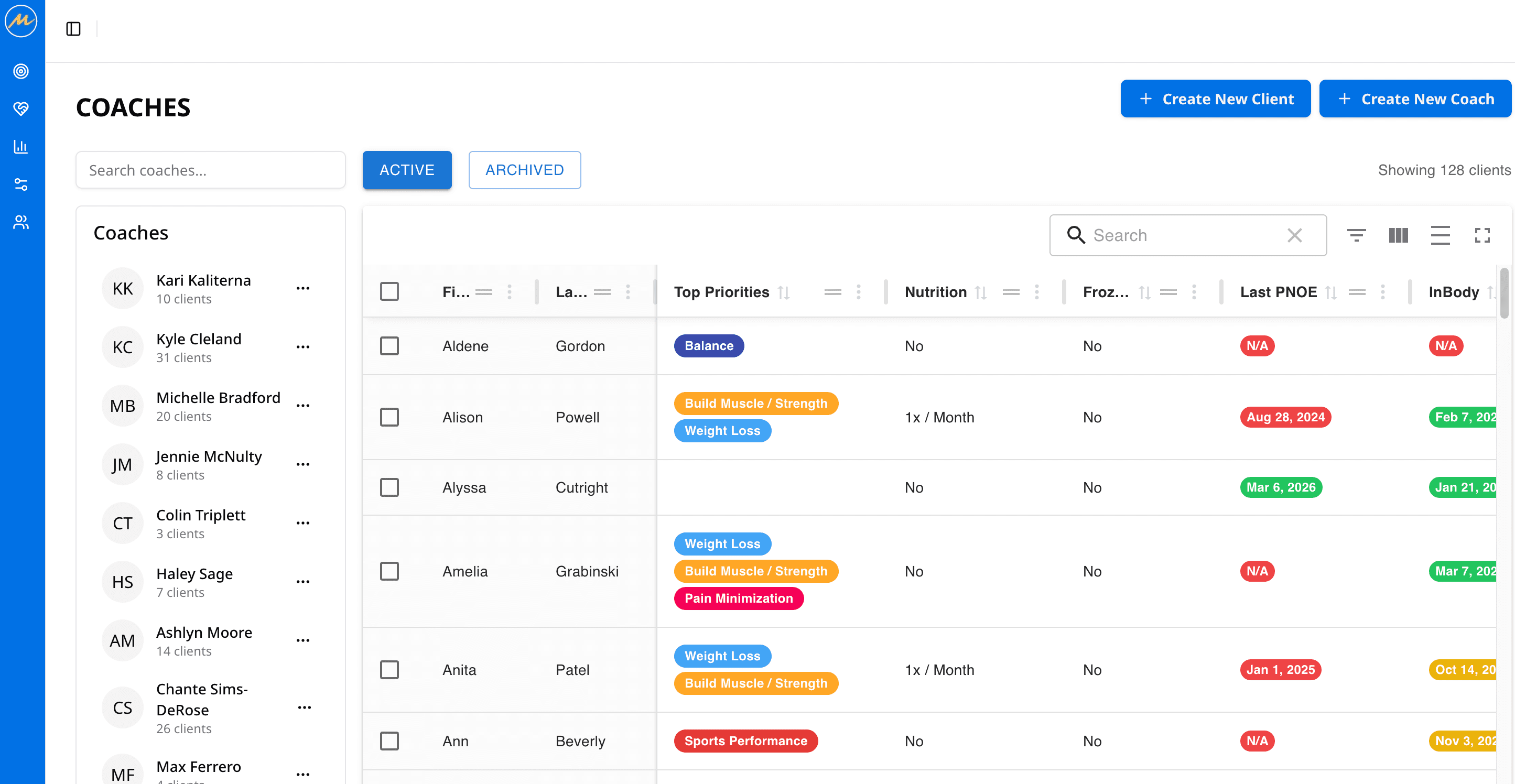
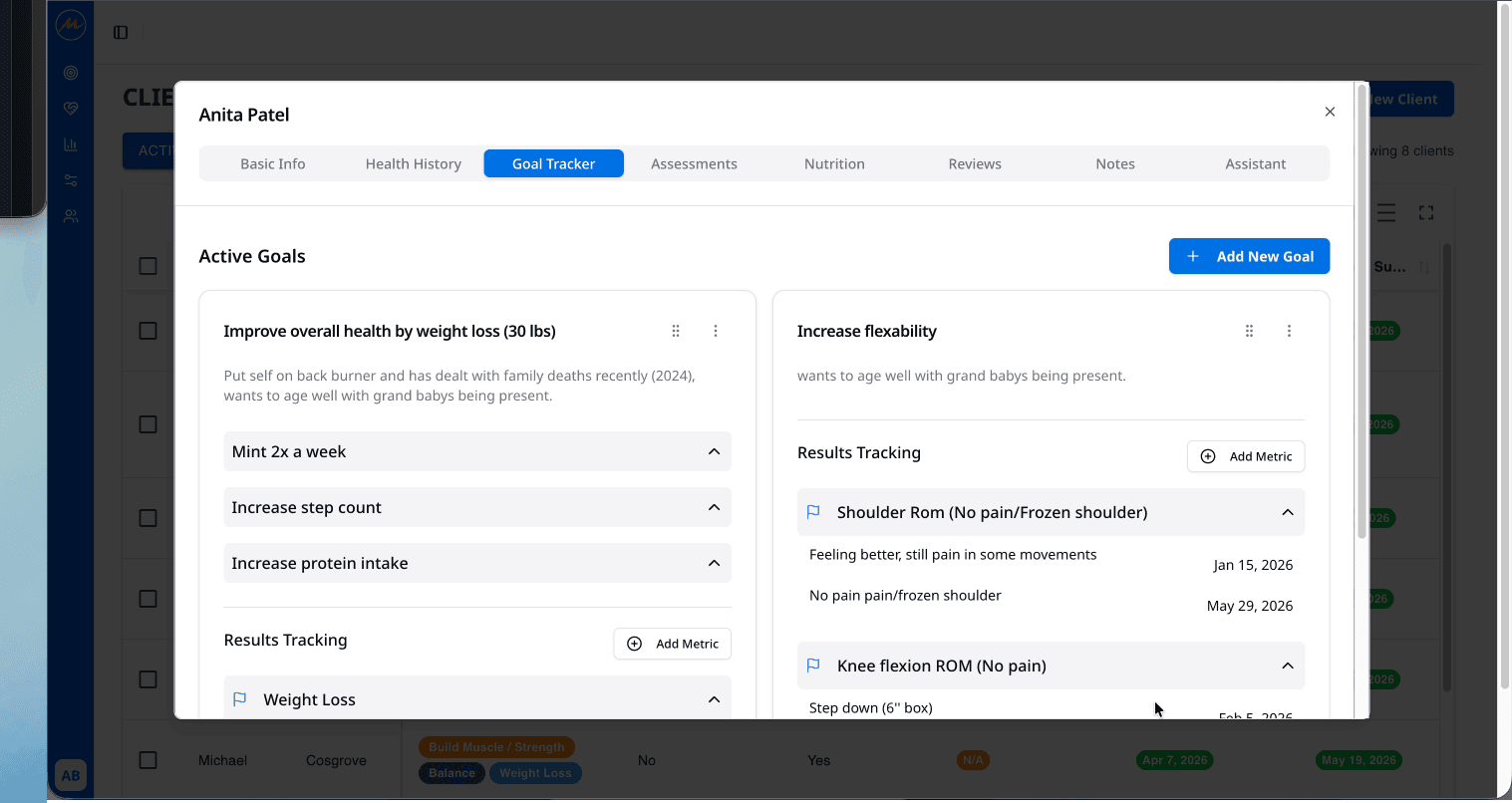
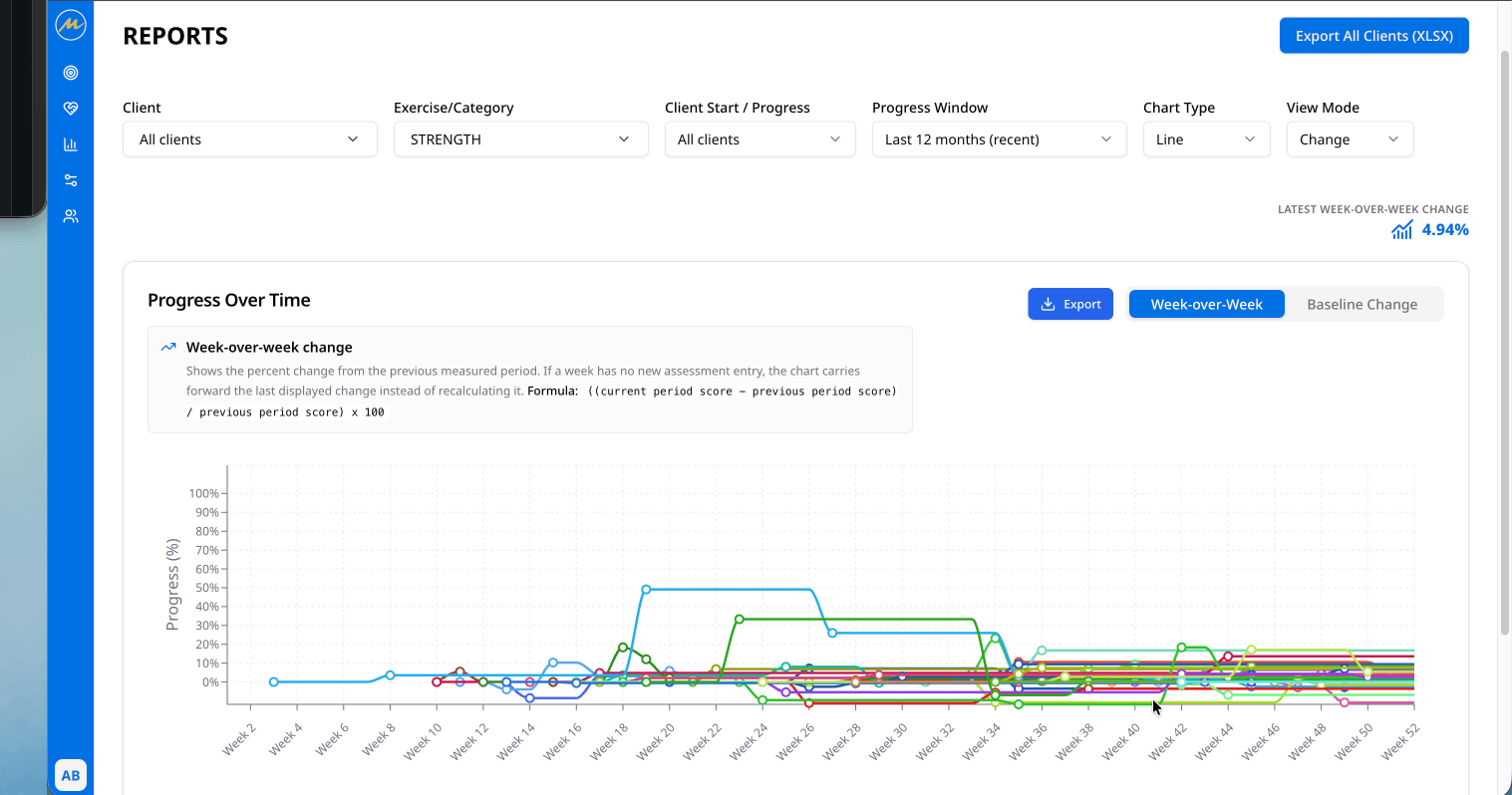
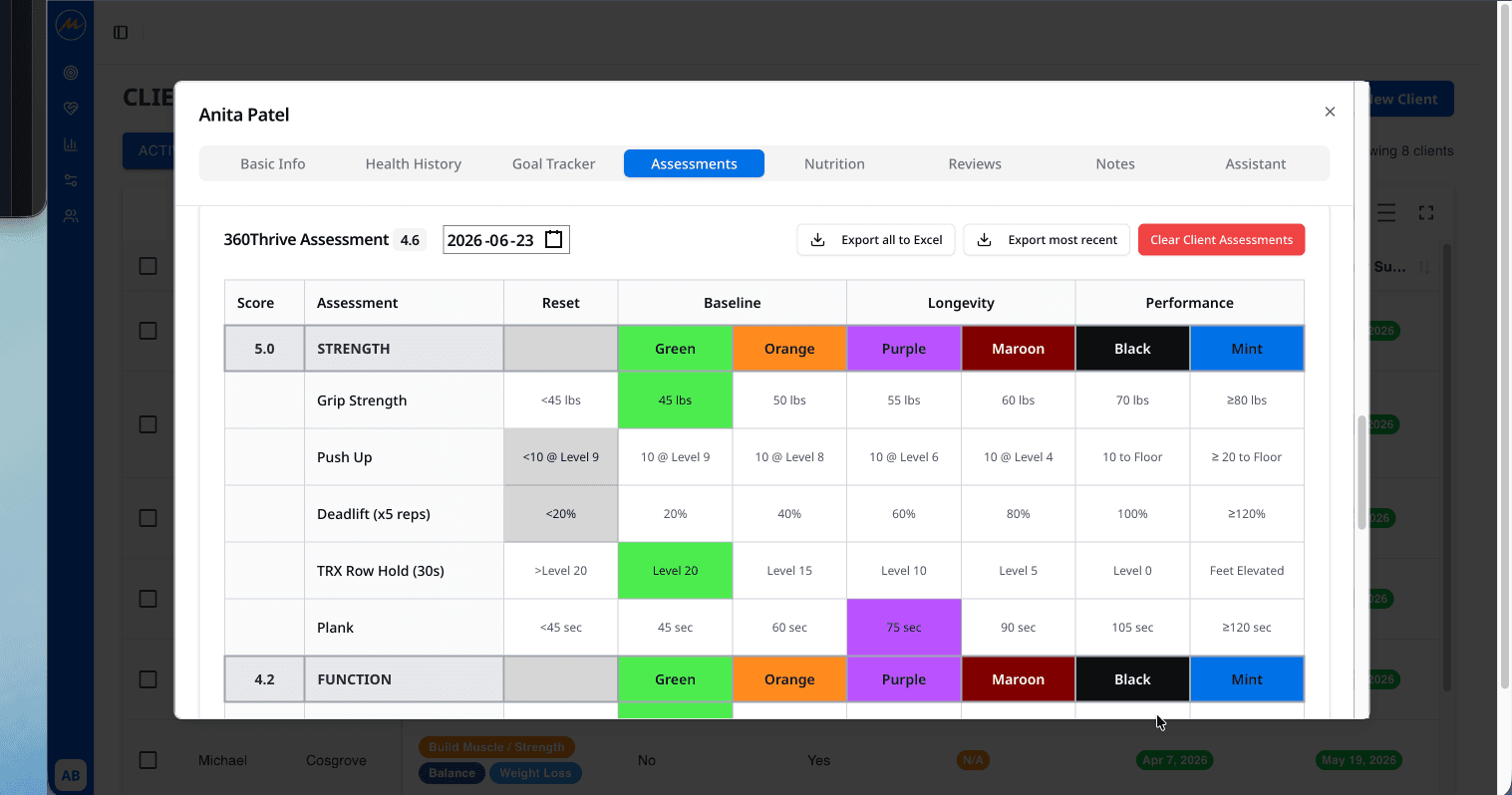
MintFit is a coach-facing web application for client management, assessments, program generation, reporting, and AI-assisted research.
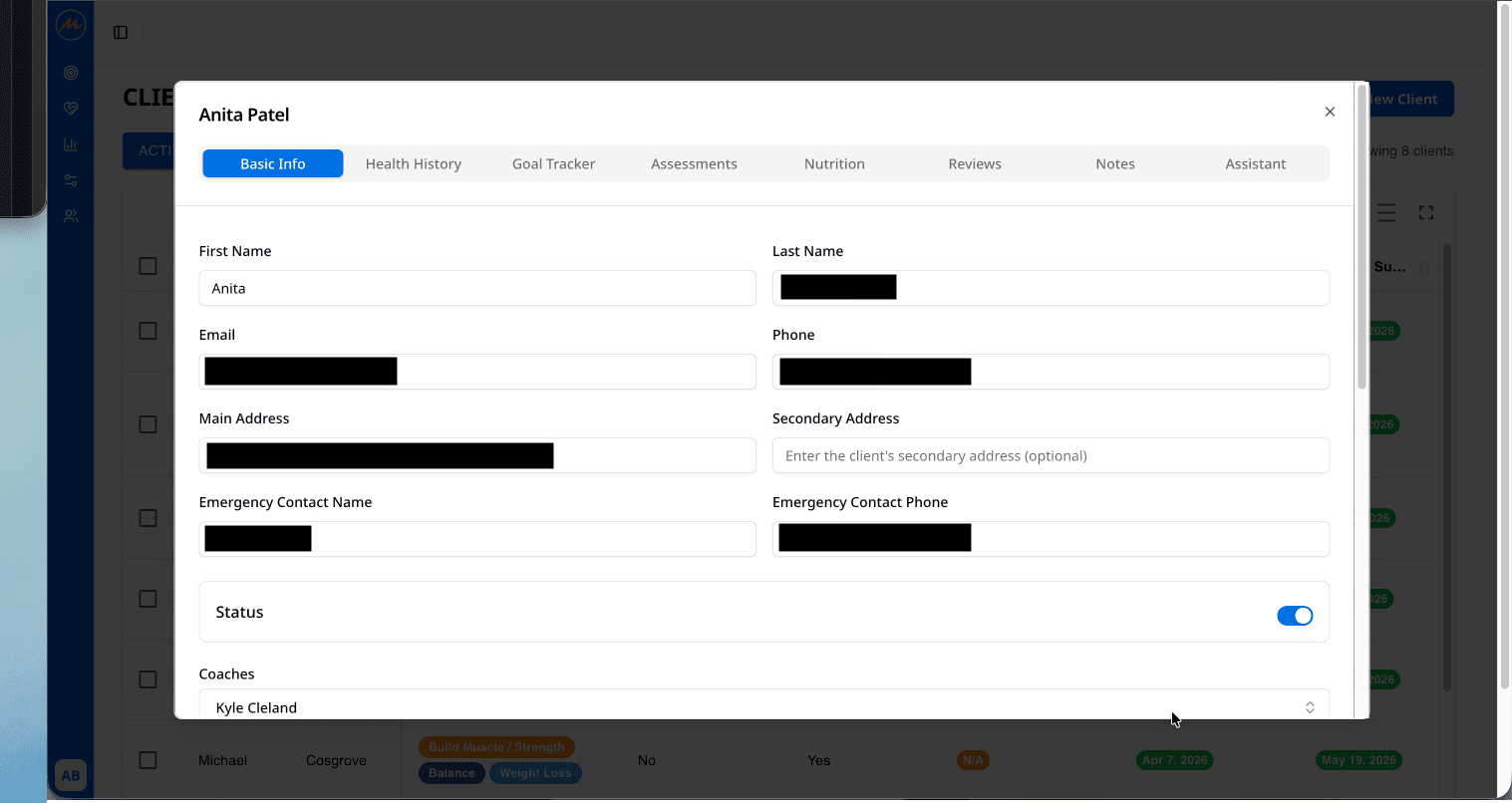
Each client has one profile containing health history, coach assignment, notes, images, assessments, and previous programs. From that profile, a coach can review progress, run an assessment, create a workout, or ask the assistant a client-specific question.
The parts are connected deliberately. Assessment results inform program generation. Program history gives the assistant more context. Notes and images stay attached to the client instead of disappearing into separate tools.
How We Built It
Coach Workspace
The application uses Next.js and React, with Tailwind CSS, shadcn/ui, and Radix UI for the interface. Zustand and TanStack Query handle application state and server data. Forms use React Hook Form with Zod validation.
The program builder supports drag and drop, so coaches can reorder exercises and adjust the AI's first draft quickly. The goal was never to remove the coach from the process. It was to make review faster than starting from an empty page.
AI Program Generator
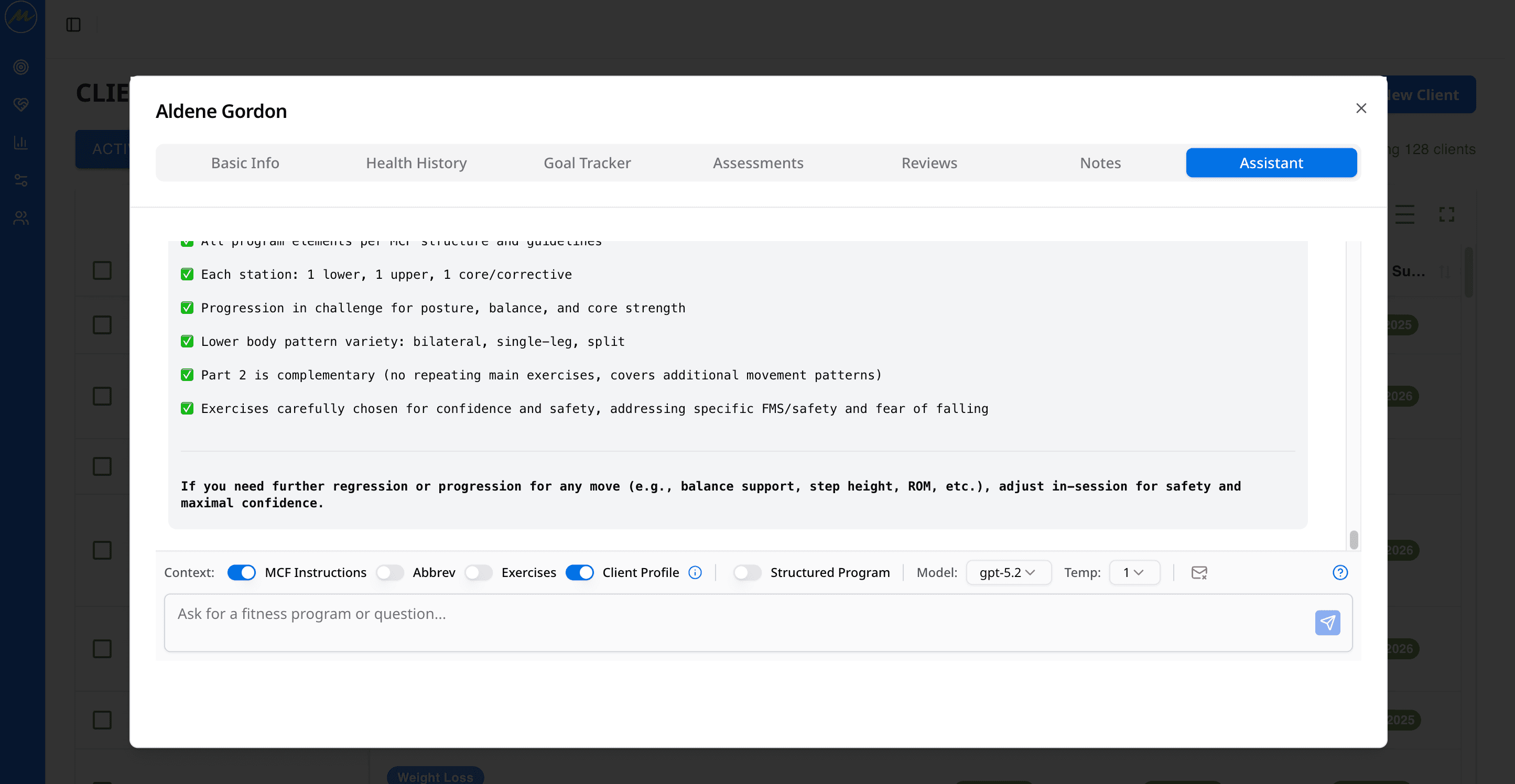
The generator uses LangChain with OpenAI and a retrieval pipeline containing Mint Condition Fitness's own documents, exercise library, and abbreviations.
When a coach requests a plan, the system combines the client's profile and assessment history with the studio's programming rules. It then returns a structured warm-up, workout, and cool-down plan.
This retrieval layer is what makes the output specific to Mint Condition Fitness rather than a generic fitness plan.
Client-Aware Assistant
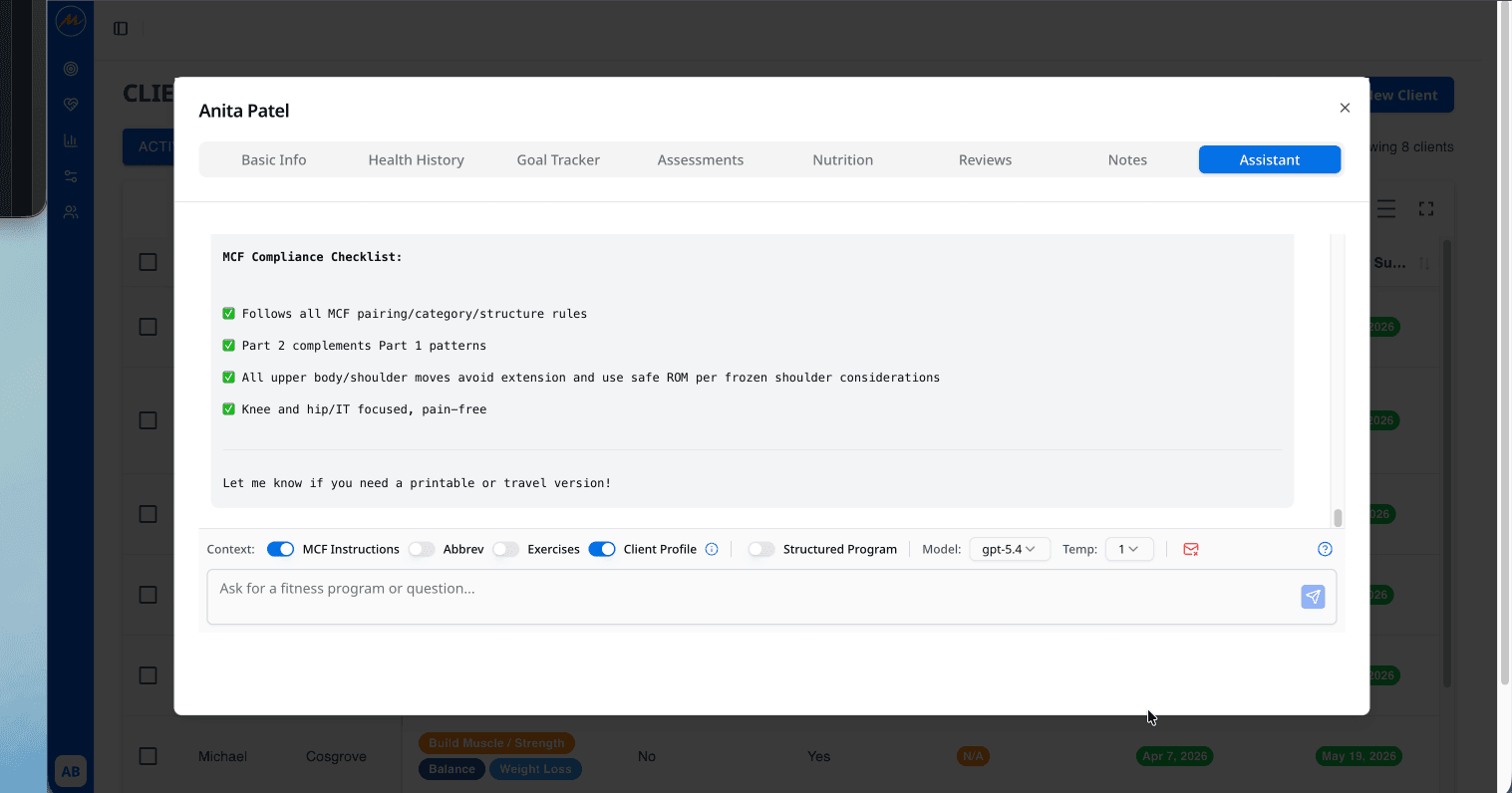
Each client has a persistent assistant thread. The assistant starts with a structured client summary and retrieves relevant assessment history for each question.
It can also analyse uploaded images. Coaches can ask questions without copying records into a separate chat window or explaining the client again.
Assessments and Infrastructure
The assessment system supports FMS, Pain Clearance Testing, SECA body composition, PNOE metabolic testing, and other protocols through flexible schemas. Records are versioned so coaches can compare results over time.
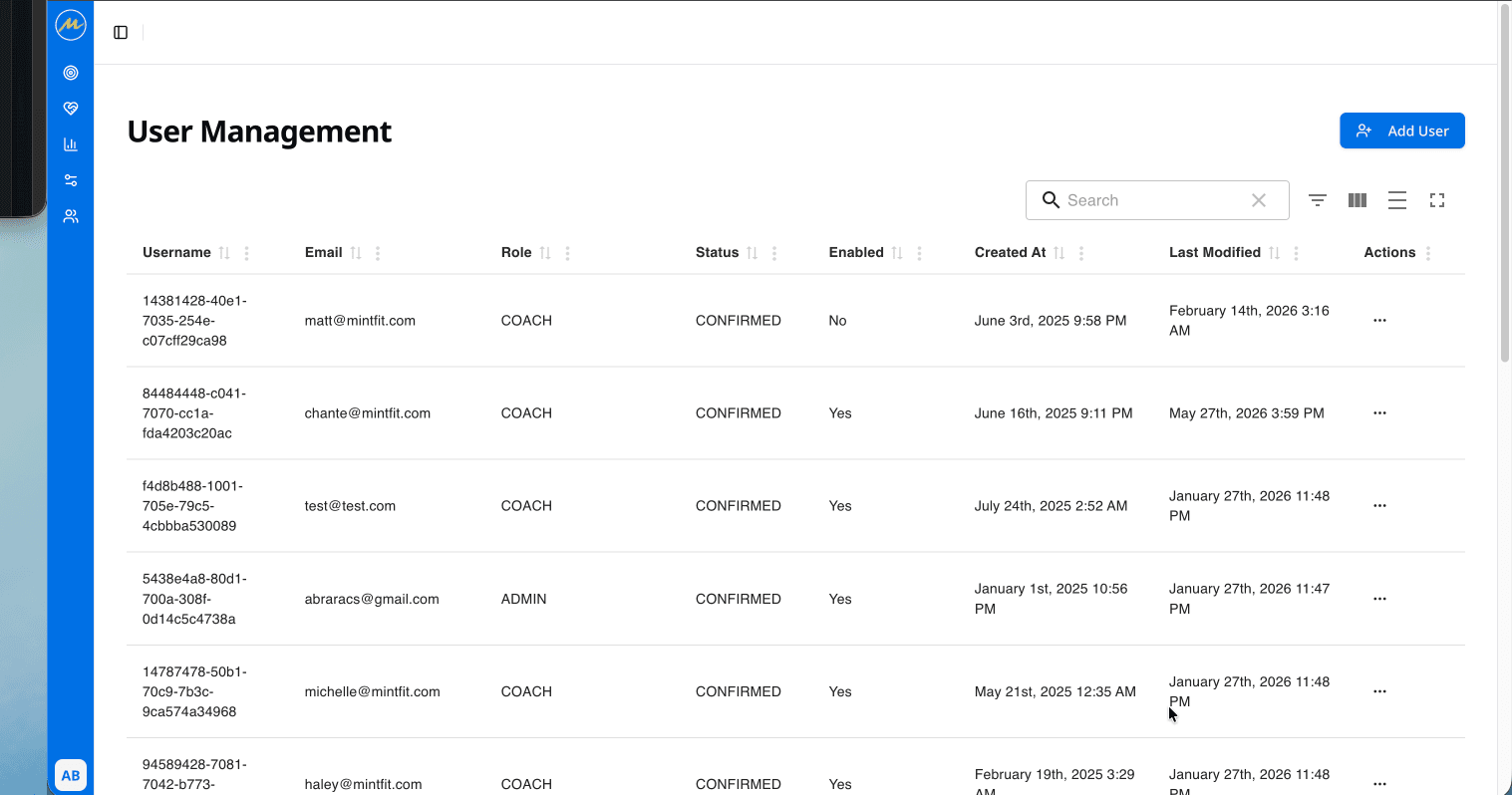
The backend runs on AWS Amplify with GraphQL services, Lambda functions, S3 storage, and Cognito authentication. Role-based access keeps coach and administrator actions separate.
What Made It Hard
Teaching the AI the Studio's Language
The first generated programs were technically correct but awkward for coaches to use. Every exercise had to be translated back into the studio's shorthand.
We found the issue by comparing generated plans with real coaching plans side by side. The fix had two parts: store both the long and short forms of each term in the retrieval system, then map generated exercise names back to the studio's preferred notation.
It took three days to implement and roughly the same time to identify. The lesson was clear: domain language is part of the product, not a cosmetic detail.
Supporting Different Assessments
Each assessment has its own fields, scoring rules, and sometimes gender-specific variations. A generic table looked simpler at first, but it would have made the coach's job harder.
We moved to a schema-driven model that could support each protocol without slowing down an in-session workflow.
Working Beyond Amplify's Defaults
Amplify handled standard data patterns well. More complex queries across client, assessment, and program history needed direct DynamoDB resolvers or custom Lambda functions.
That let us keep the managed infrastructure while taking control of the workflows that needed it.
Building Trust in the Assistant
Adding a client profile to a prompt did not create a trustworthy assistant. It needed to find the relevant part of a long history and answer in the studio's language.
We combined a structured summary at session start, targeted retrieval for each question, and clear methodology rules in the system prompt. Several rounds of coach feedback helped us decide what context mattered in real conversations.
What the Platform Needed to Work
Five foundations made the AI useful:
- Structured client profiles with health history, movement results, and risk flags
- Versioned assessments that show change over time
- Retrieval grounded in the studio's own methodology and exercise library
- Persistent notes, programs, and assistant context for each client
- A fast review layer where coaches can edit every generated plan
Without these pieces, an AI can produce a plausible workout but not a reliable coaching workflow.
What Changed
Program creation fell from 30 to 60 minutes per client to under five minutes for a first draft. Coaches now review and adapt a plan instead of building one from scratch.
Assessment data that previously lived in spreadsheets is searchable and comparable over time. It also connects directly to programming decisions.
New coaches can query the methodology knowledge base and get answers based on Mint Condition Fitness conventions rather than general internet advice.
What's Next
The next stage is focused on the client experience and better progress tracking:
- A client portal for programs, progress, and selected notes
- Workout logging for sets, reps, weights, and exercise history
- Wearable and nutrition integrations
- Automated progression suggestions based on logged performance
- Reporting for adherence, retention, and coach utilisation
MintFit is a good example of where AI helps most: inside a well-designed workflow, with a specialist still making the final decision.
View more case studies or talk to us about an AI coaching platform.