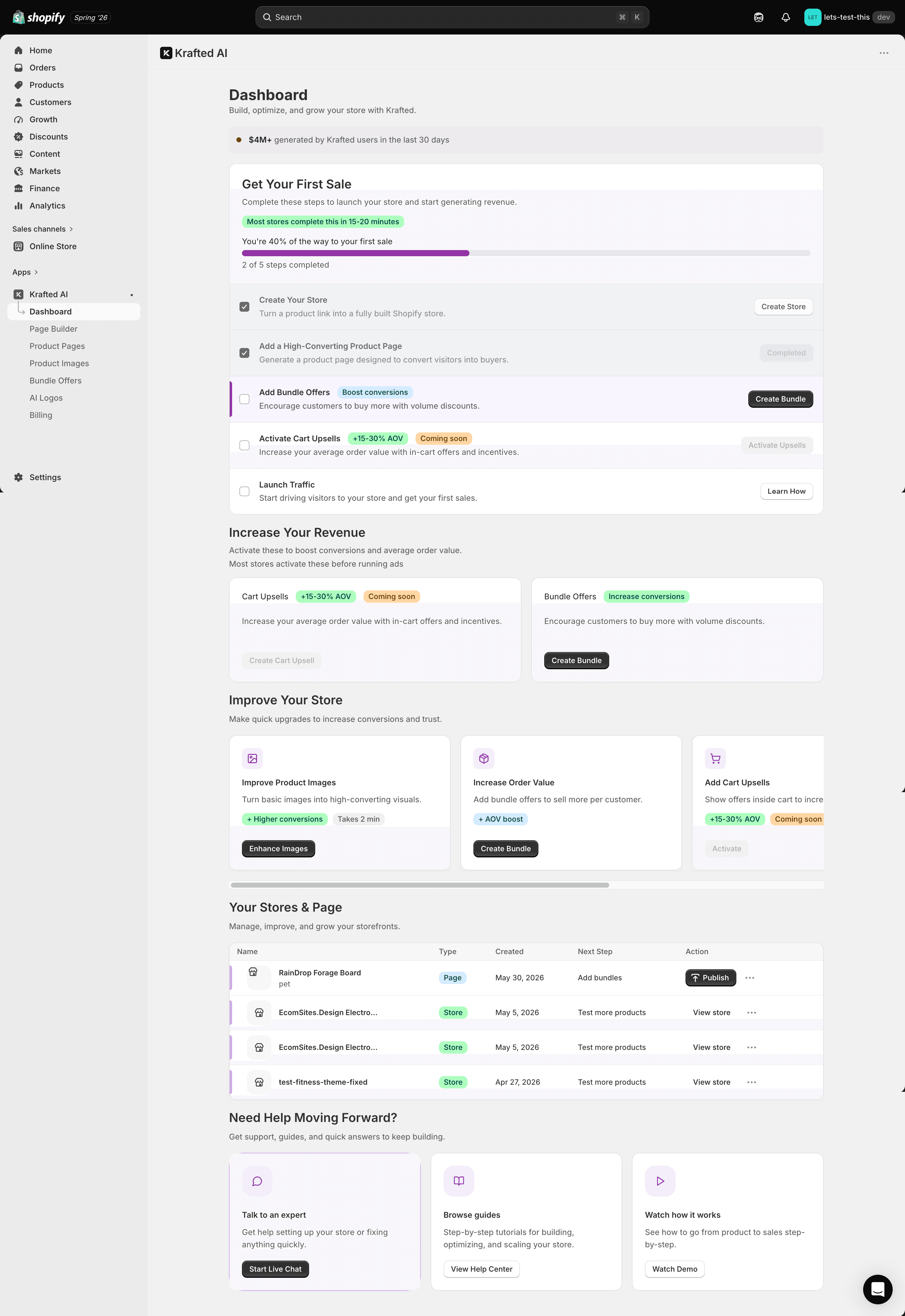
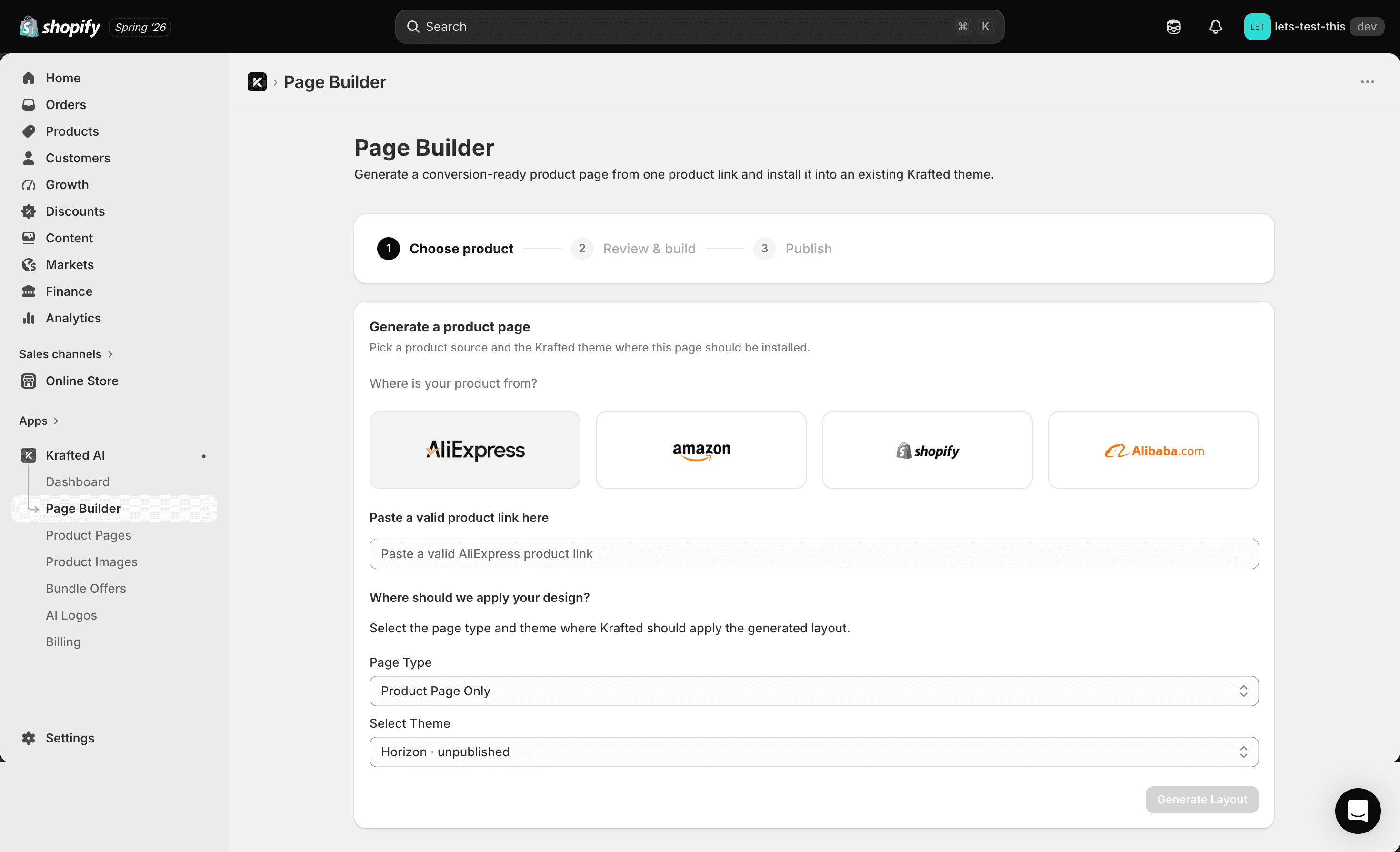
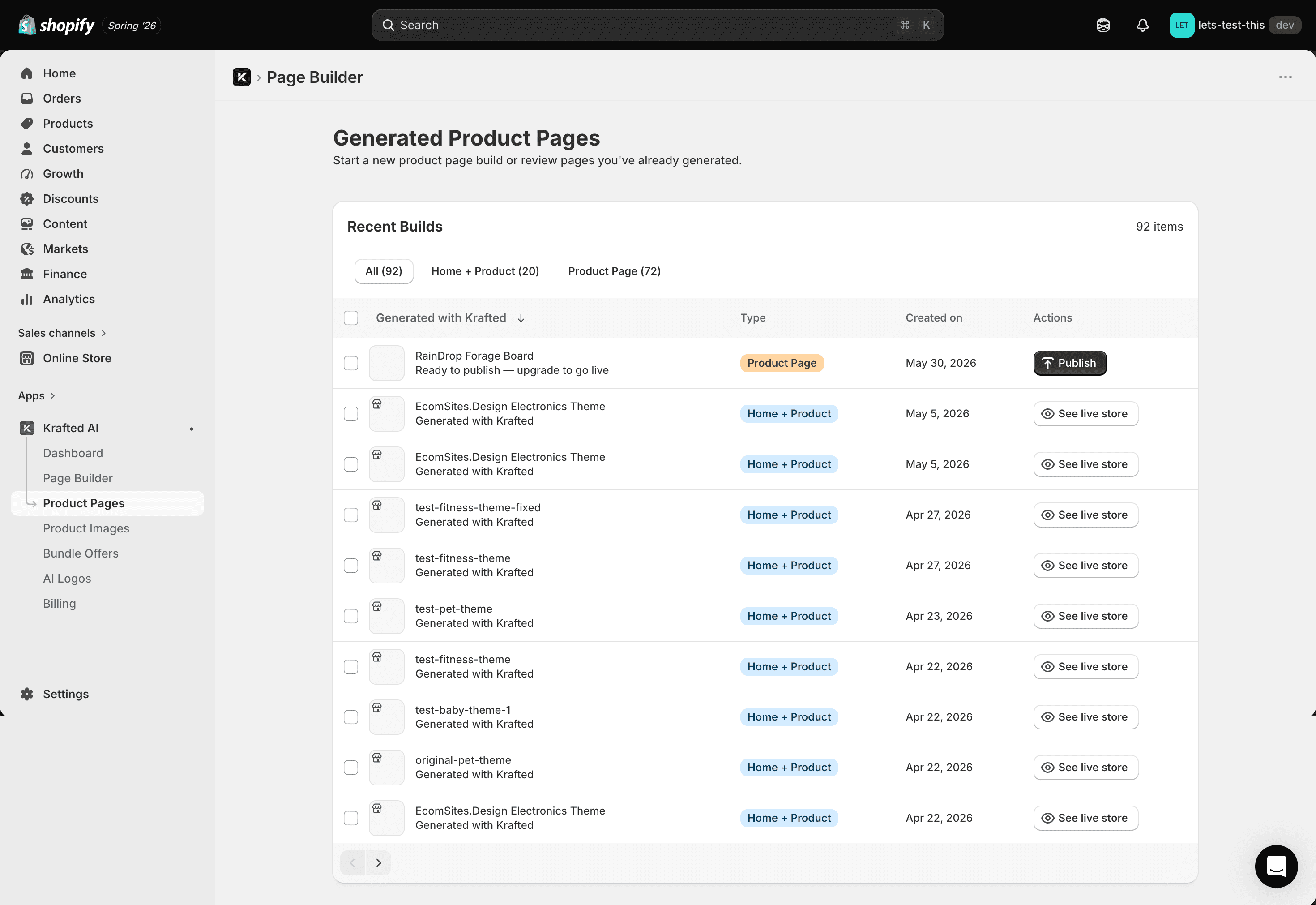
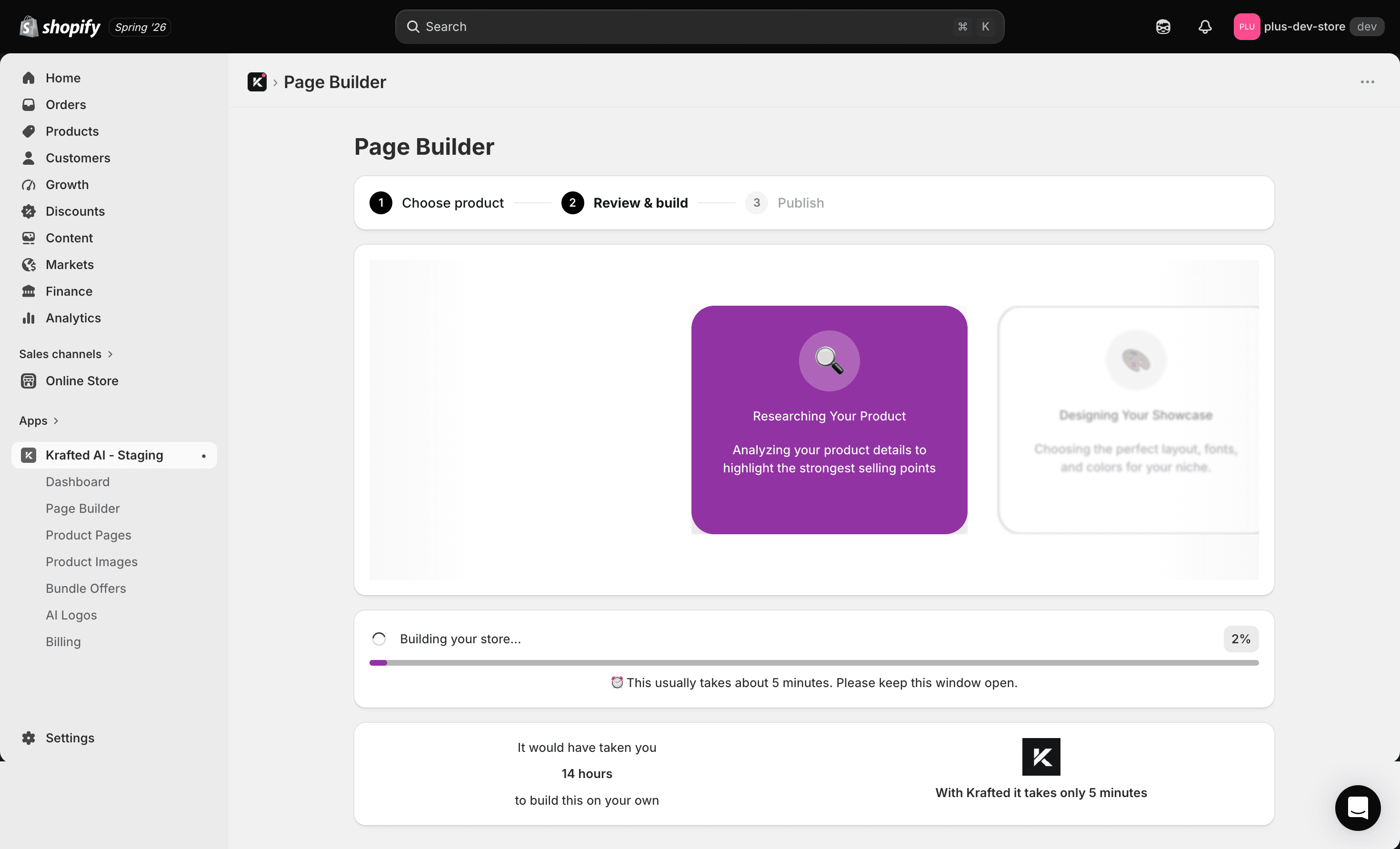
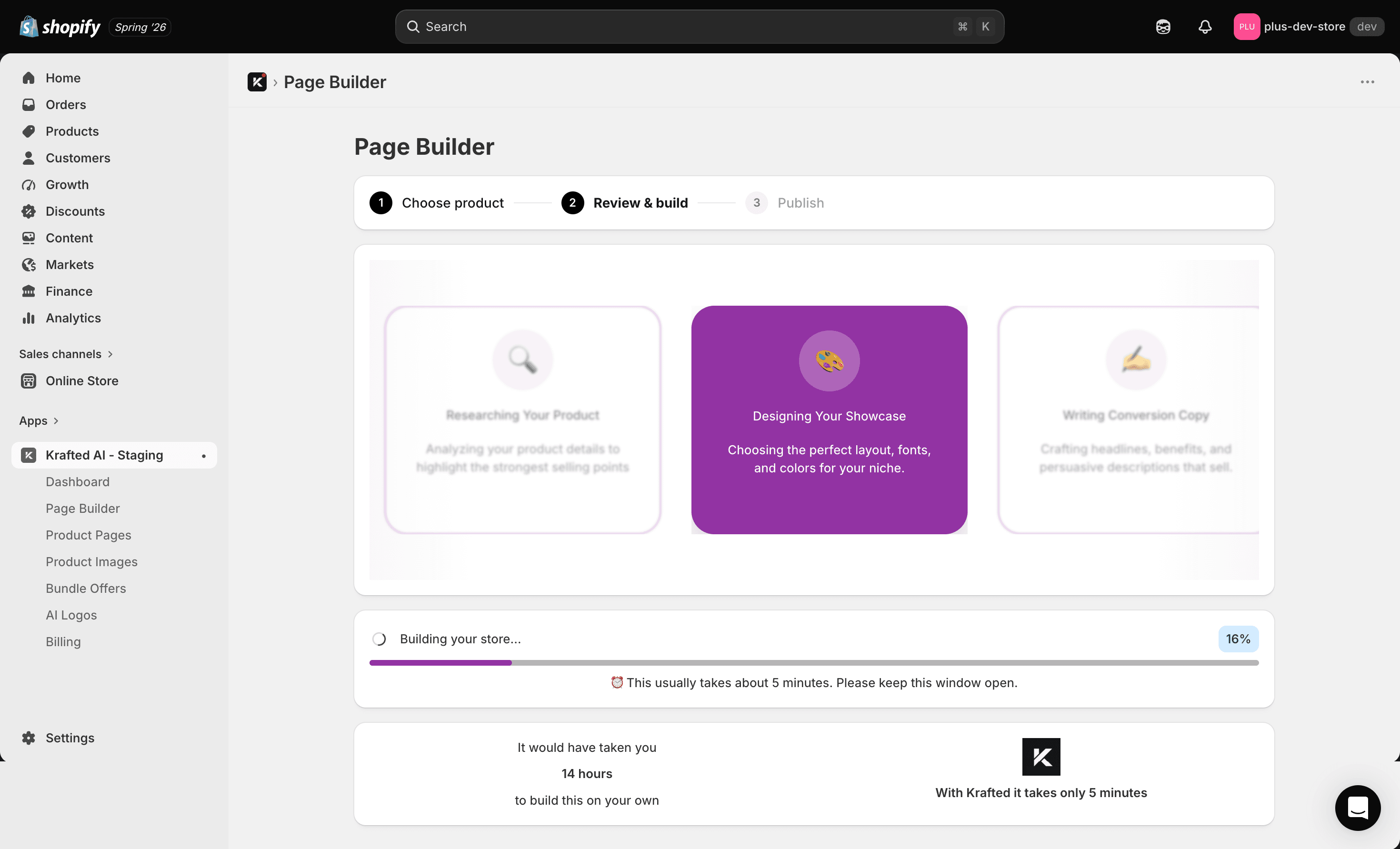
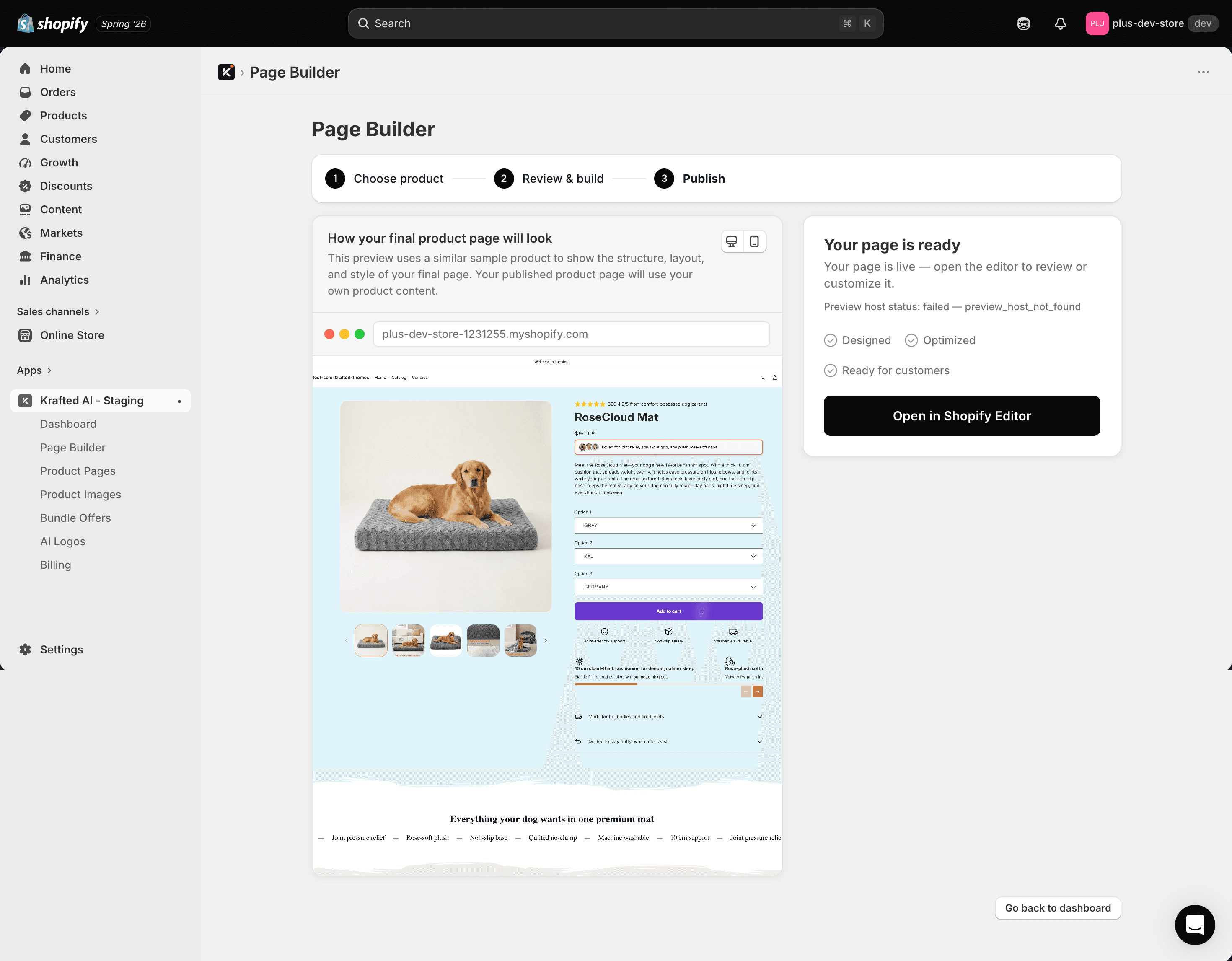
Krafted is an embedded Shopify app that turns a product URL into a finished product page. It imports the data, chooses a niche, creates the copy and layout, then adds the page to the merchant's Shopify theme.
The Problem
Shopify merchants who source products at volume - particularly from AliExpress and Alibaba - have a problem most e-commerce tooling ignores: product page quality doesn't scale with product quantity.
Importing a product is quick. Turning it into a page people might buy from is not.
Merchants still have to rewrite poor source copy, choose usable images, match their brand colours, and build the page layout. For a store adding 20 products a week, that can mean more than 20 hours of repetitive work.
The brief was to automate that work without producing a page the merchant still had to rebuild.
How We Approached It
We split the workflow into three types of work: tasks suited to AI, tasks better handled by deterministic code, and constraints imposed by third-party platforms.
GPT-4 handled product classification, while Gemini evaluated images. node-vibrant extracted colours because it was more reliable than asking a language model to guess them.
Objective results were always checked in code. That included colour contrast, theme writes, and asset availability after installation.
We also designed around fixed platform limits, including the manual parts of AliExpress and Alibaba authentication.
The Generation Pipeline
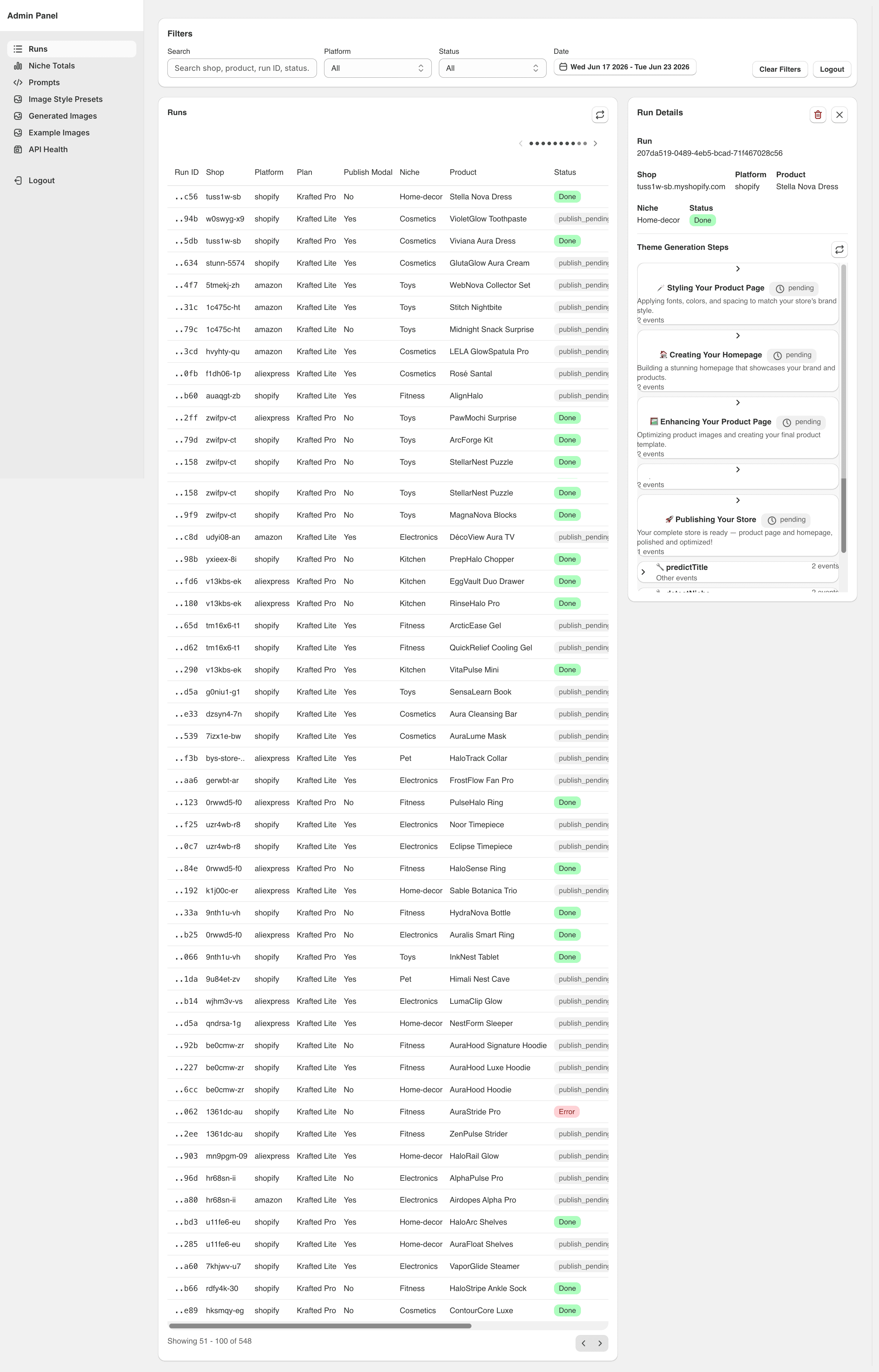
Every step runs through a runStep() wrapper that handles database idempotency, status tracking, and error alerting. The pipeline is fully resumable - an interrupted generation picks up from the last completed step, not from scratch. That resilience wasn't retrofitted. It was the starting architecture.
Step 0 - Title refinement (marketplace imports only)
AliExpress titles are keyword-stuffed for search, not for human reading. "2024 New Hot Selling Girl Toy Pretend Play Cosmetic Set Birthday Gift 32pcs Makeup Kit Children Educational Toy" is five potential niches compressed into one string. Before any AI classification runs, we convert the raw title into a clean DTC-brand product name and generate a URL-safe Shopify handle. Skipped entirely for native Shopify products.
Step 1 - Niche detection
AI classifies the product across 20+ categories into one of seven niche themes: Baby, Cosmetics, Fitness, Home Decor, Kitchen, Pet, or Toys. Each theme has its own section layout, copy tone, colour families, and template structure. This is the highest-leverage decision in the pipeline - every downstream step inherits it.
Step 2 - AI product image generation (optional)
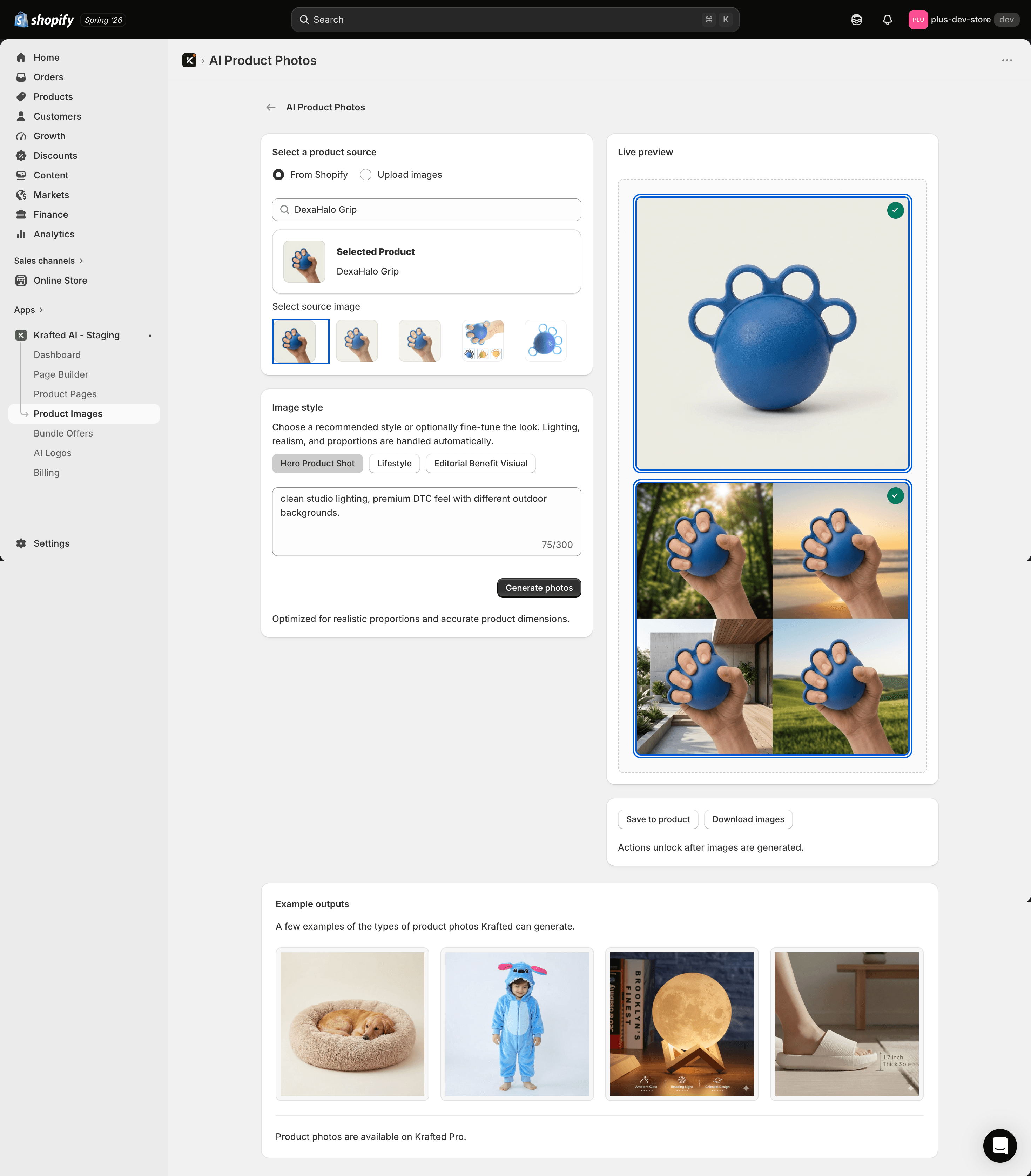
When the source product has no usable imagery, AI generates a hero product image. Output is Sharp-optimised before being prepended to the product's image array in Shopify.
→ Publish gate
A billing-aware checkpoint. If the merchant's subscription tier restricts further processing, the run pauses at publish_pending. The AI work in Steps 0–2 has already run - usage is recorded, the work isn't lost. The pipeline resumes automatically on plan upgrade.
Step 3 - Product creation (marketplace imports only)
Creates the Shopify product, migrates all images from platform CDNs to Shopify-hosted URLs, and publishes to all sales channels.
Step 4 - Theme merge
Overlays niche-specific sections and templates onto the merchant's active theme. Produces a mergeSummary with the baseProductTemplate that page generation builds against.
Step 5 / 6 - Page and homepage generation
AI generates full product page content against the niche template. In homepage-plus-product-page mode, a second pass generates a matching homepage with the product's data embedded.
The Hard Problems
Niche detection: benchmarking for your actual task
The first version classified products on title alone. It worked on clean inputs and broke on anything ambiguous. A girls' toy makeup set came back as cosmetics. Technically defensible. Wrong - the product belonged in the Toys theme, with completely different layout and copy tone.
The fix was two things: Step 0 to clean the title before classification runs, and a prompt change that forces the model to synthesise both title and description rather than pattern-matching on a single field.
We benchmarked GPT-4, Claude, and several open-source alternatives on a set of deliberately ambiguous products. GPT-4 was meaningfully better at following the disambiguation instruction reliably. Not because it's generally smarter - other models weren't far behind on standard tasks - but because it handled the "synthesise both signals, don't pattern-match" constraint more consistently. Other models reverted to matching the dominant keyword in the title, particularly when title and description pointed to different niches.
The lesson: general benchmark scores don't predict performance on your specific prompt structure. Test on your actual task.
Colour generation: three problems, three solutions
Colour generation was the hardest single problem in the build. The task sounds straightforward - generate a palette for each page section that's visually coherent and accessible. It breaks into three independent sub-problems that each required a different approach.
Coherence with the merchant's existing store. A generated palette that clashes with the merchant's current theme is worse than no palette at all. We use node-vibrant to extract dominant colours from the merchant's active theme assets and pass those as seed inputs to colour generation. The model gets real context for what "on-brand" means for that specific store, not a generic niche palette.
Cross-section consistency. Language models generate colour values in isolation. They can reason that "coral and navy pair well" in the abstract, but they can't verify how a background chosen for Section A will look adjacent to an accent chosen for Section C. We constrain generation: the model selects from pre-validated colour families per niche rather than generating hex values freely. This bounds the combinatorial problem without requiring the model to do spatial reasoning it can't do reliably.
Accessibility compliance. WCAG AA requires a 4.5:1 contrast ratio for normal text. Every model we tested, including GPT-4, produced outputs below this threshold without explicit enforcement - ratios of 2.8:1 were common. There is no way to fix this by prompting. Models have no mechanism to calculate contrast ratios. We built programmatic contrast validation as a mandatory post-generation layer, with rule-based correction for failures. This is non-negotiable for any AI tool that outputs content a human will read.
Platform OAuth: knowing when to stop fighting a constraint
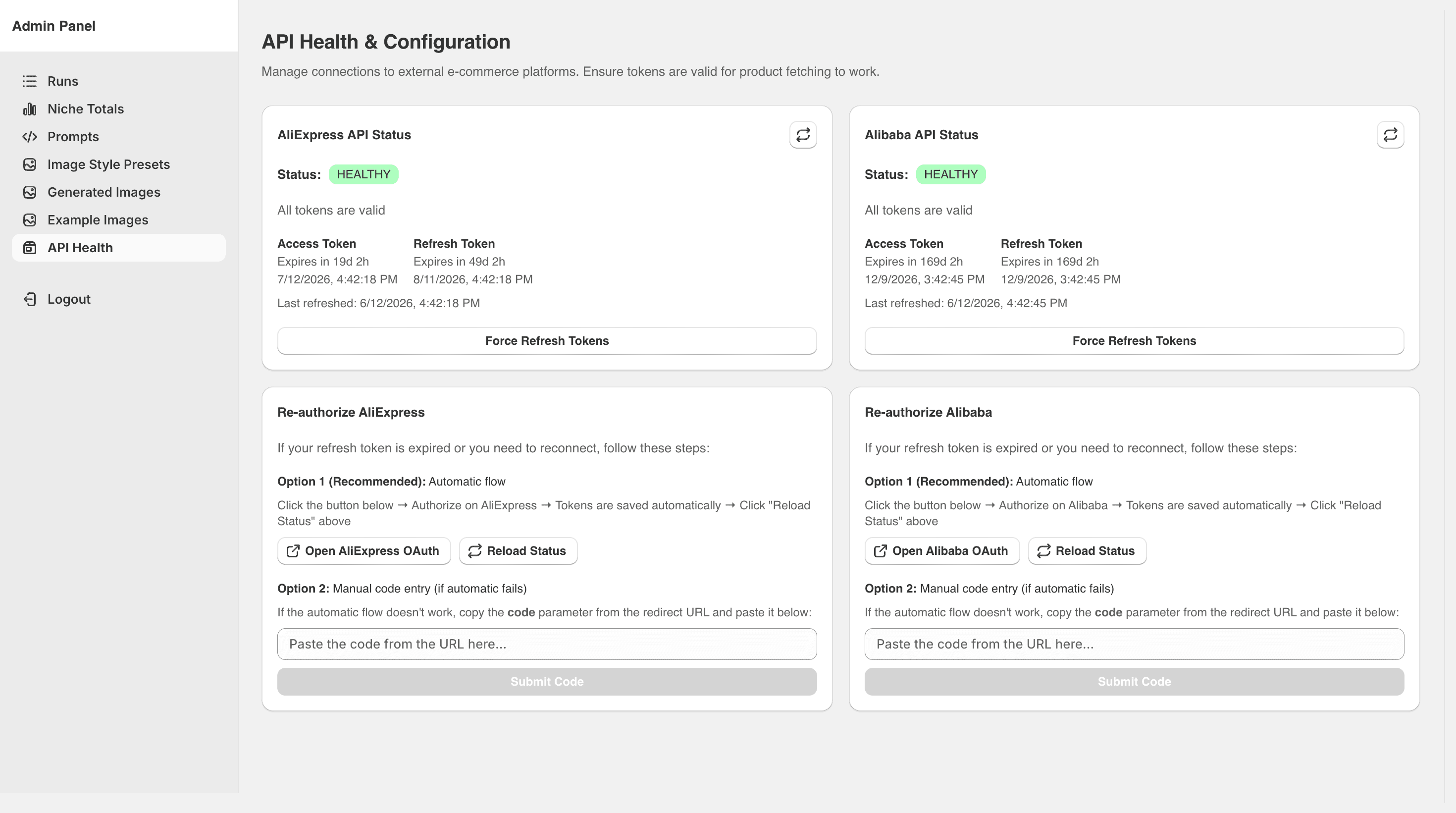
AliExpress and Alibaba's OAuth 2.0 implementations don't support machine-to-machine token refresh. Getting API access at all required weeks of company documentation review and approval. Documentation had gaps that only surfaced during implementation. For Amazon, we use ScrapingBee and Puppeteer rather than a first-party API entirely.
The mandatory manual step in AliExpress auth - a human retrieving an authorisation code for the initial token - is a hard platform constraint. We tried for a while to design around it. That was time wasted. Once we accepted it as immovable and designed the UX to surface it clearly rather than hiding it, the architecture became clean and we stopped chasing a problem that had no solution.
Shopify reliability: trust nothing, verify everything
Two Shopify-specific failure modes shaped how we approach every theme operation in the app.
The first: silent write failures. Shopify's theme write API can return a 200 GraphQL response with zero errors while silently dropping an app block.
This happens when an extension UID is not properly registered or released. There are no error signals - the block simply doesn't persist.
Every theme write in Krafted is followed by a read-back that confirms the expected content is in place before we mark the operation complete. This isn't something we added after an incident.
It's the baseline.
The second: theme installation as a distributed process. Installing a pre-built theme involves seven steps: download assets, archive, upload to S3, generate a presigned URL, trigger installation via GraphQL, wait for Shopify's async processing, verify the result.
Each step can fail independently. The async processing step has a race condition - theme assets aren't always committed by the time Shopify fires a webhook.
We solved this by reading base templates from our own stored copies rather than making live reads against the newly installed theme. The flow is deterministic regardless of Shopify's processing time.
The underlying principle: Shopify's APIs are eventually consistent in ways the documentation doesn't always acknowledge. Build as if every write needs verification and every async operation might not be ready when you expect it.
Bundle logic: writing code for themes you've never seen
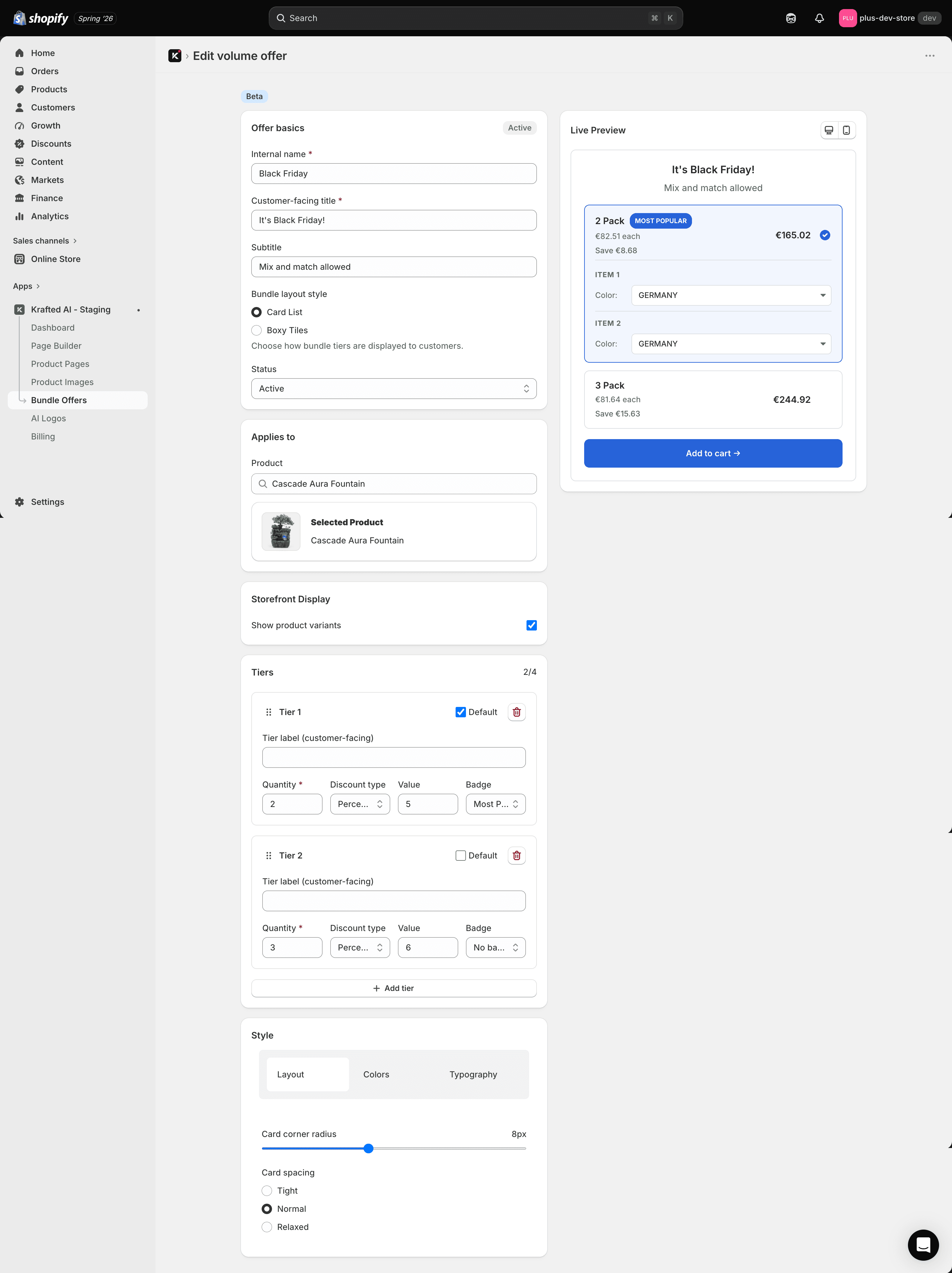
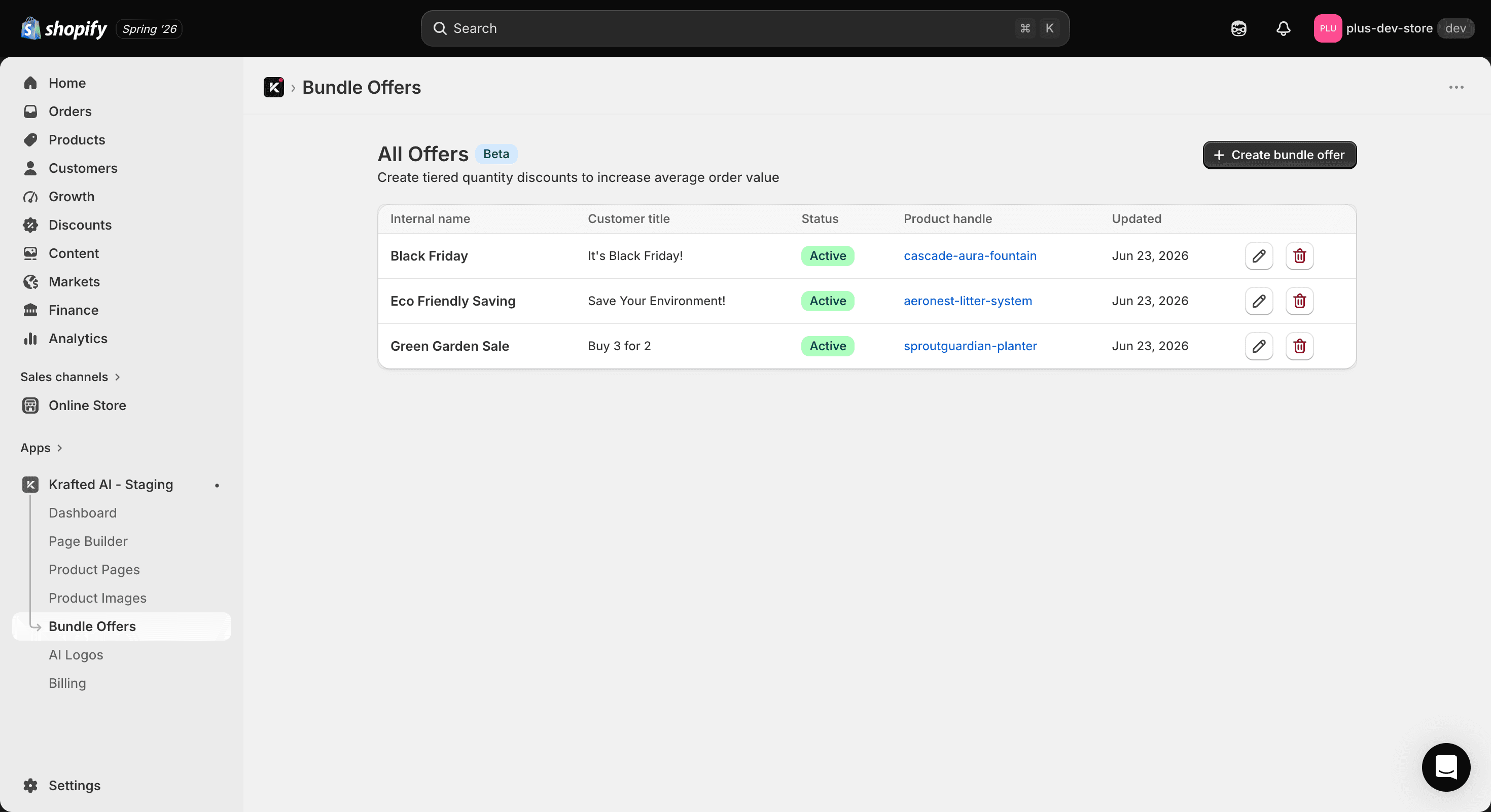
The bundle extension - cross-sell bundle offers with automatic discounts on any Shopify storefront - required a Liquid block that works correctly inside any merchant theme, written by any theme developer, running any JavaScript. You can't test against every theme. The implementation has to be correct in environments it will never encounter before production.
The challenge: intercept the cart add event, silently add bundle items via a secondary request, preserve the primary cart response that the merchant's theme uses to update its UI, and suppress conflicting change listeners that would otherwise cause variant selection to revert or display incorrectly. Cart JavaScript varies substantially across themes - different fetch implementations, different event dispatch patterns, different state management approaches. The implementation has to handle all of it without assuming anything about the host environment.
For discount logic, we used Shopify Functions to apply bundle discounts server-side as automatic discounts rather than through storefront JavaScript. This removes timing and race condition problems from the client-side layer entirely. The trade-off is Shopify Functions' data access constraints, which required careful scoping of the discount logic - but the reliability gain was worth it.
What We Shipped
- AI product page generation - full Shopify page from any product URL across 7 niche themes, with niche-specific layouts, copy, and colour schemes
- AI homepage generation - full homepage with product data embedded, in homepage-plus-product-page mode
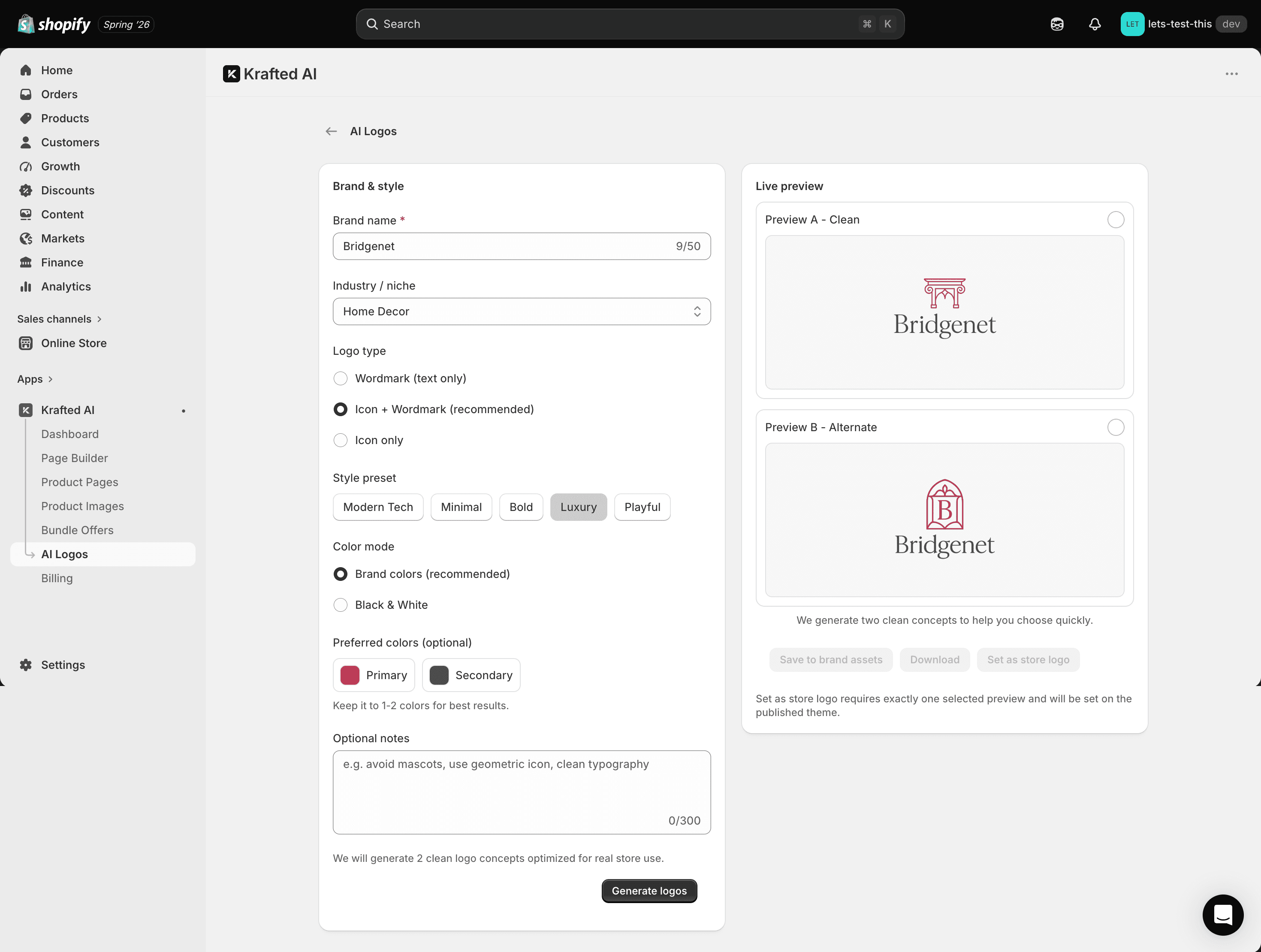
- AI logo generation - brand name + niche → logo across five format types (Icon, Wordmark, Emblem, Abstract, Monogram), style presets, batch output
- AI product image generation - hero image generation with style presets, batch variations, Sharp-optimised output
- 7 niche theme system - Baby, Cosmetics, Fitness, Home Decor, Kitchen, Pet, Toys - install from ZIP, niche asset overlay, store logo integration
- Bundle offers extension - Shopify app block with Shopify Functions-powered automatic discounts, auto-synced on product update and delete webhooks
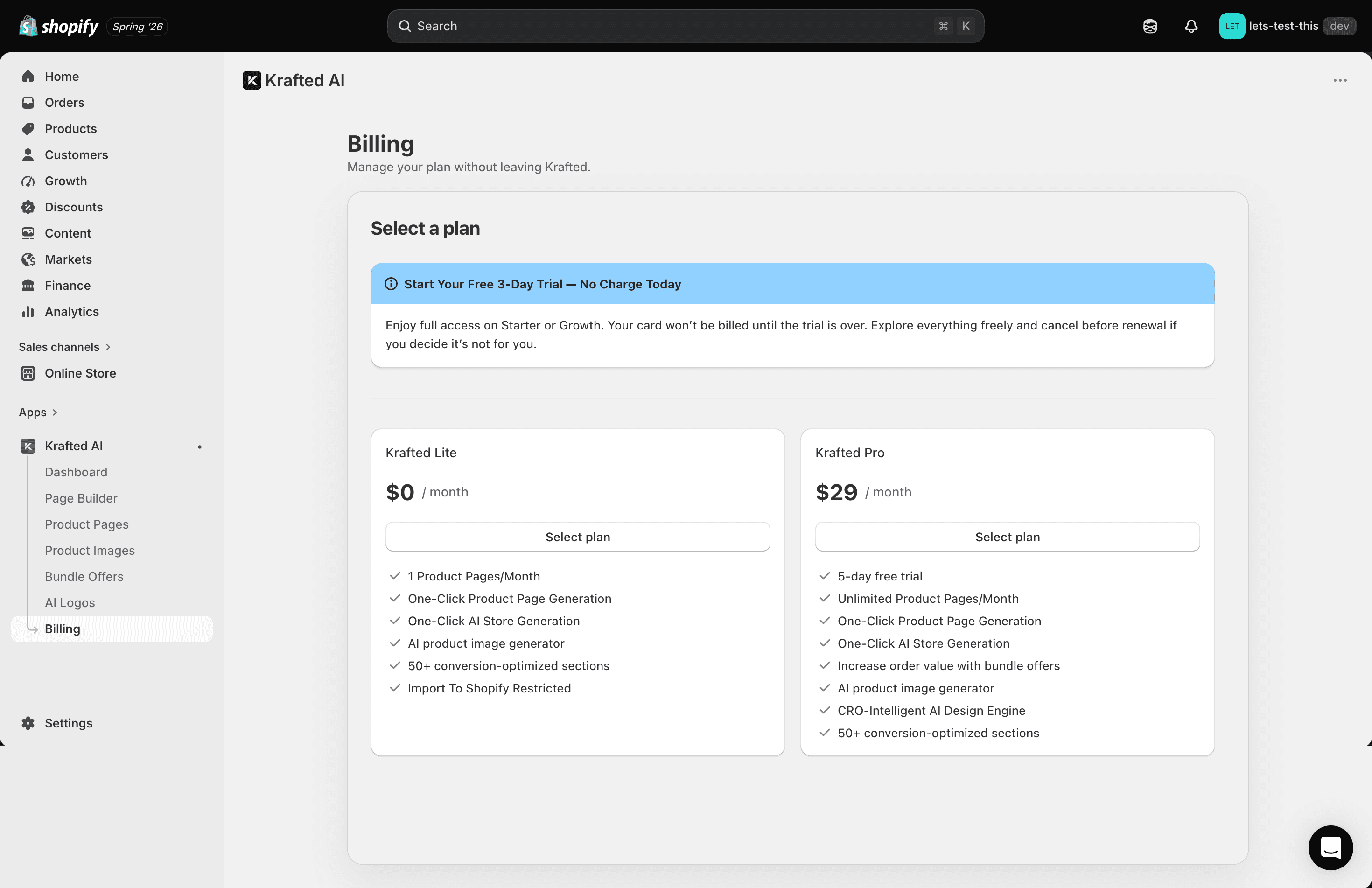
- Billing and usage infrastructure - HeyMantle subscription enforcement, per-generation usage tracking, billing-aware publish gate with resumable runs
- GDPR compliance - full customer data request, redaction, and shop data handlers
- Admin tooling - example output management, AI image style configuration, email alerting on consecutive generation errors
What's Next
- More niche themes, starting with electronics, apparel, and health products
- TikTok Shop and eBay imports through the existing normalisation layer
- Conversion analytics that connect generated page choices with real sales
- A section-by-section preview so merchants can catch a wrong niche early
Krafted works because AI is only used where it helps, while code verifies everything that can be measured.